 lainlives
264599cc6a
~
lainlives
264599cc6a
~
|
3 mesiacov pred | |
|---|---|---|
| public | 3 mesiacov pred | |
| screenshots | 3 mesiacov pred | |
| .gitignore | 3 mesiacov pred | |
| LICENSE.md | 3 mesiacov pred | |
| README.md | 3 mesiacov pred | |
| main.py | 3 mesiacov pred | |
| requirements.txt | 3 mesiacov pred |
README.md
yapcc Yet another PictoChat clone
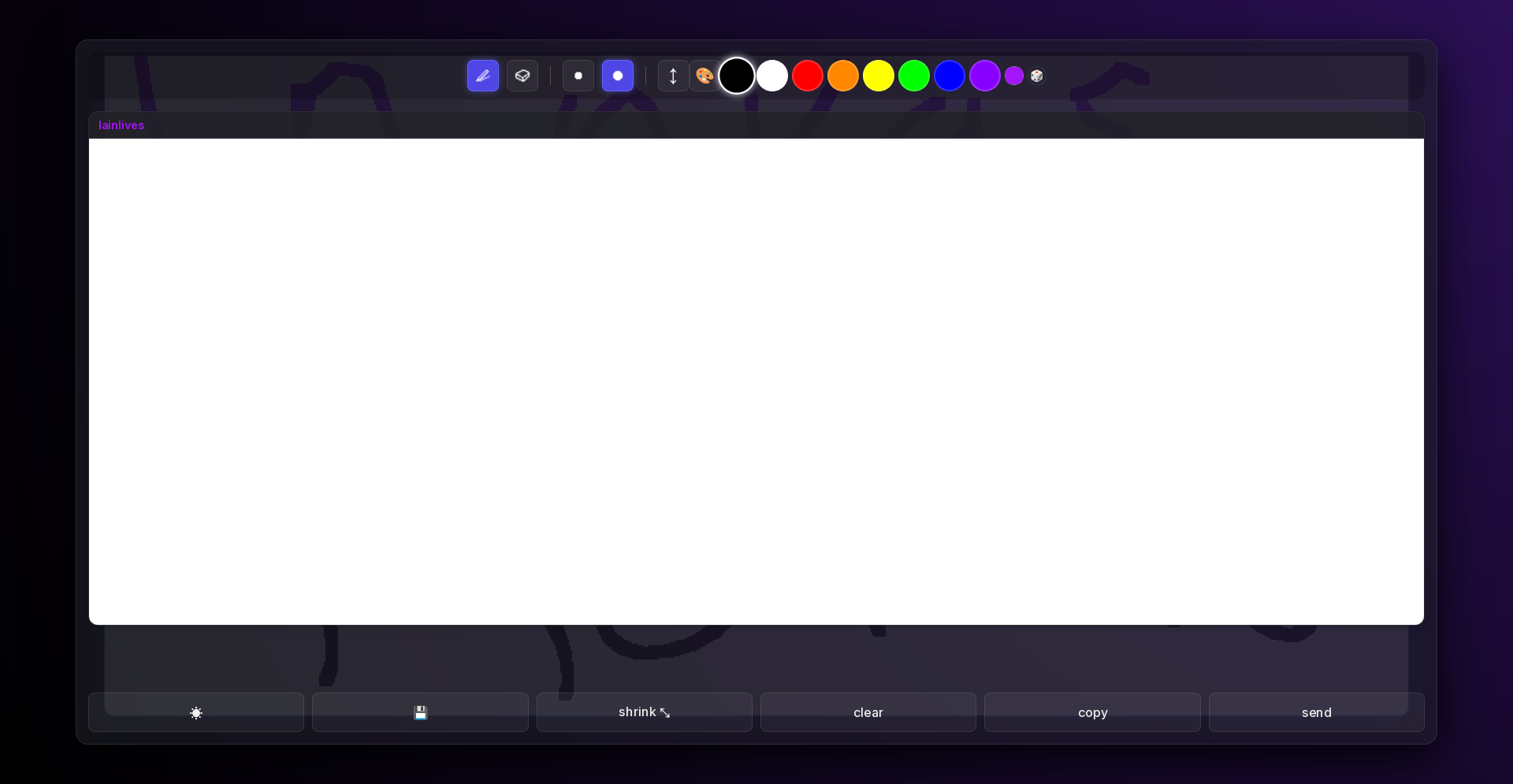
A modernized web-based clone inspired by the classic DS PictoChat. This updated version features a beautiful glassmorphism UI, persistent database storage, live long-polling syncing, and a suite of powerful quality-of-life tools built directly into the client.
🌟 Key Features
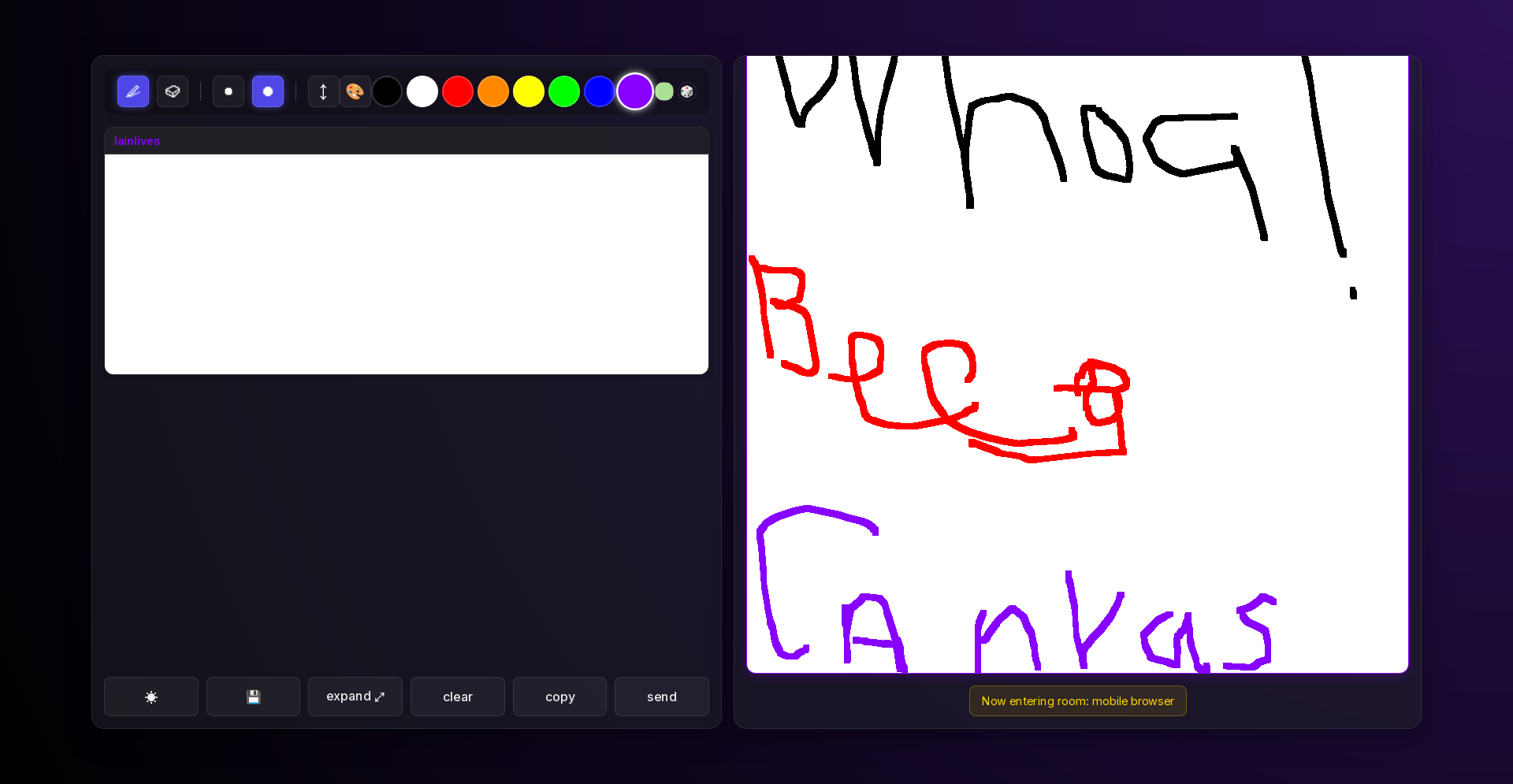
Beautiful & Responsive UI
- Glassmorphism Design: Sleek, transparent UI panels over dynamic background gradients.
- Light / Dark Mode: Instantly toggle between a crisp, paper-esque light theme and a sleek dark theme (
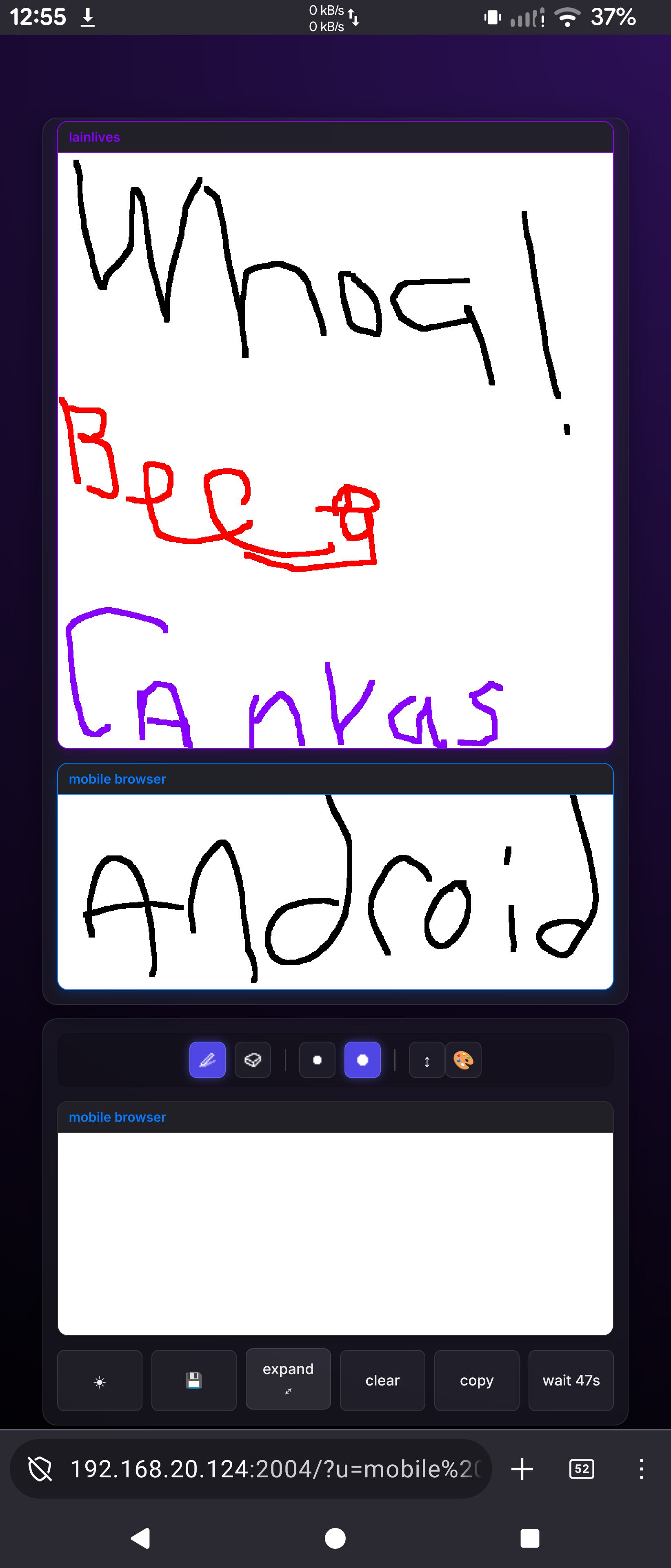
☀/🌙). - Responsive Layouts: Smart layouts that adapt to your device. On mobile/portrait displays, the color palette tucks away into a clean
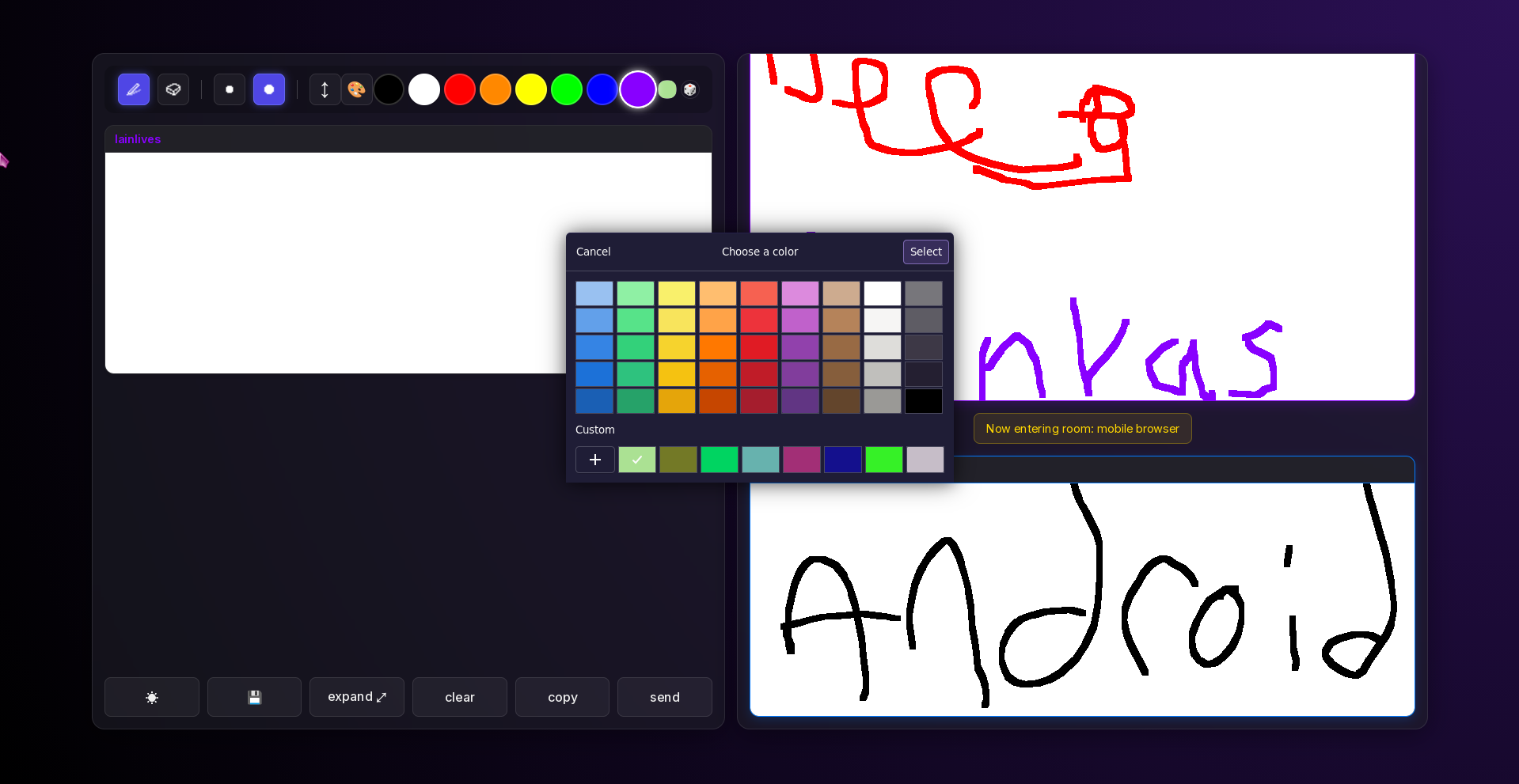
🎨dropdown submenu to save space. On desktop, tools sit seamlessly beside your canvas. - Expandable View (
⤢): Bring the drawing surface and tools into a massive, centered fullscreen overlay for serious sketching.
Advanced Canvas & Drawing Tools
- Expandable Canvas (
↕): Need more vertical space to draw? Click the extend button to instantly double or triple your canvas height (capped at 3x) without losing any existing strokes! - Auto-Cropping: When you hit send, the app intelligently scans your canvas and crops out unused whitespace from the top and bottom to maximize space in the chat log.
- Custom Color Swatches: Includes 8 standard colors, a custom hex picker, and a Randomize (
🎲) button that instantly generates a unique theme color for your strokes and chat name. - Anti-Spam Cooldown: Integrated 60-second cooldown timer displayed directly on the send button to prevent room spamming.
Streaming & Archives
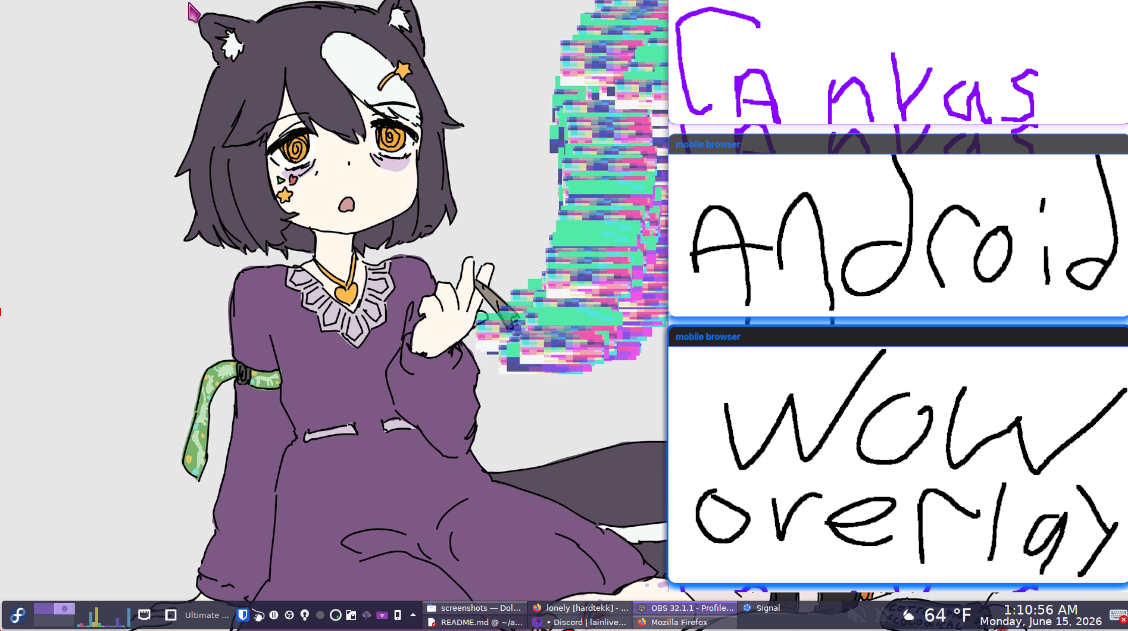
- OBS Stream Mode: Add
?stream=1to the URL to instantly convert the page into a pure, UI-free, transparent scrolling chat feed—perfect for overlaying on Twitch/OBS streams! - Image Archive Download (
💾): Click the floppy disk icon to instantly generate and download a ZIP file containing every single drawing currently stored in the room's database.
Authentication & Moderation
- Persistent Sessions: Usernames are tied to secure session cookies. If a name is used, it is reserved exclusively for that user until 1 hour of inactivity passes.
- Admin Accounts: Launch the server with the
--adminflag to register an administrator. The frontend will dynamically prompt for a password when attempting to join with an admin name. - Moderation Commands: Logged-in admins can simply type
/kick [username]into the chat box and hit send to permanently disconnect a user, wipe their session, and broadcast a global kick notification to the room.
🚀 Setup & Usage
Requirements
- Python 3.x
- Flask (
pip install Flask) - Waitress (
pip install waitress)
Running the Server
Start the server using standard options:
python main.py --port 2004
Registering an Administrator:
Append the --admin flag followed by Username:Password to lock a name and grant it moderation abilities. You can specify this multiple times for multiple admins:
python main.py --admin Owner:supersecret
Accessing the Room
- Open your browser and navigate to
http://localhost:2004(or whatever port you configured). - Enter your desired handle.
- Draw, type, and chat! All history is permanently stored in a local SQLite database (
chat.db) and safely pruned down to the 500 most recent messages automatically.